 CastCut
 › AutoPod alternative
AutoPod for Final Cut Pro? Use CastCut.
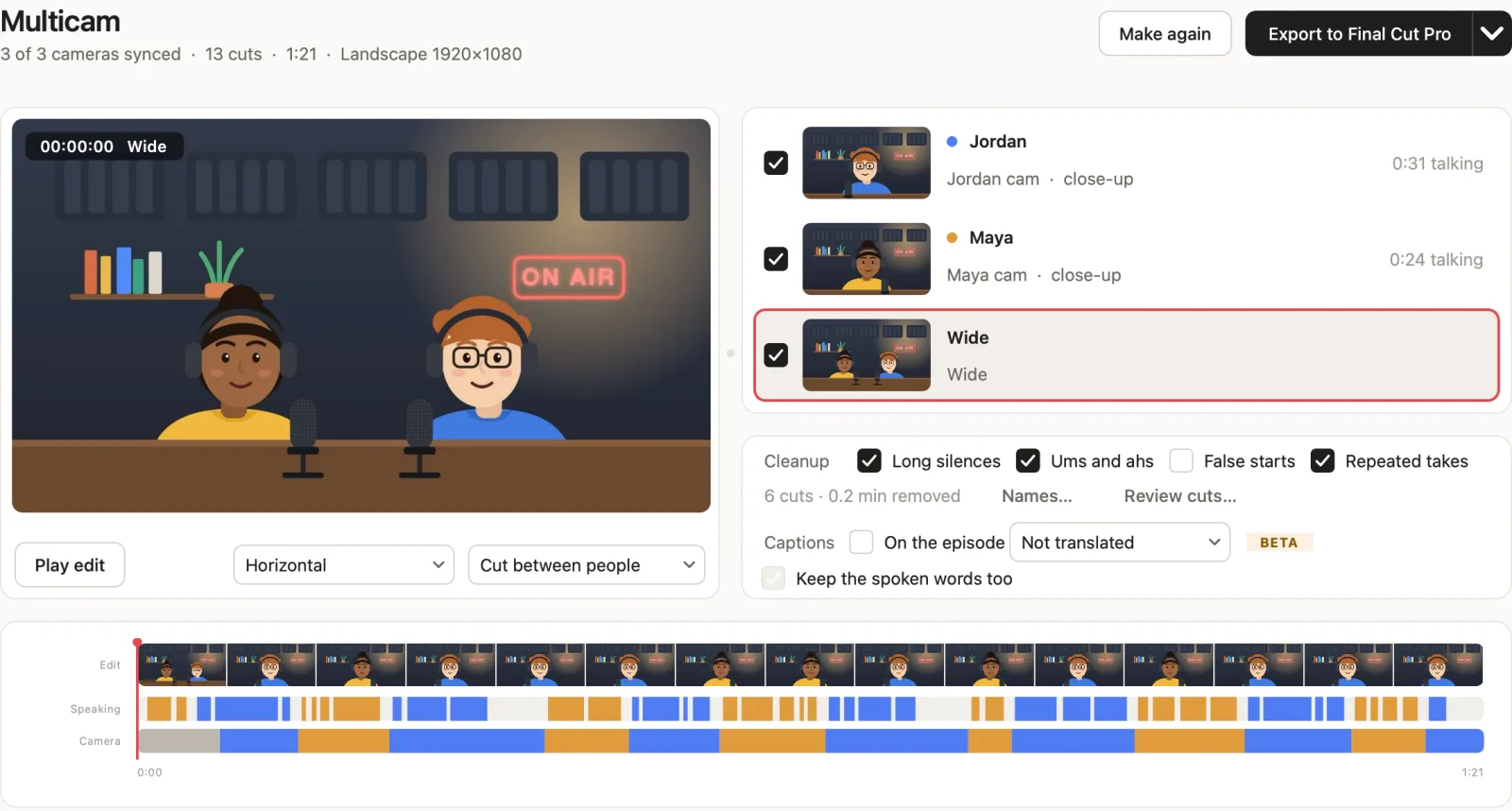
AutoPod is a plugin for Premiere Pro and DaVinci Resolve, and its own FAQ says there are no plans for Final Cut Pro. CastCut makes the same kind of automatic multicam podcast edit as a Mac app, then opens it in Final Cut Pro, Premiere Pro or DaVinci Resolve.
Try 2 exports free See pricing
Apple silicon Mac (M1 or newer), macOS 14+. No account or card. Trial MP4 exports carry a small getcastcut.com mark.
Short answer
If you edit in Final Cut Pro, CastCut is the closest thing to AutoPod: it syncs your cameras by sound, cuts to whoever is talking, clears silences and ums and finds shorts, then hands Final Cut a timeline you can still change. If you live in Premiere Pro and like the work to happen inside a plugin, AutoPod is a good fit there.
CastCut and AutoPod side by side
| Feature | CastCut | AutoPod |
|---|---|---|
| Works in Final Cut Pro | ✕ No plans | |
| Works in Premiere Pro | Beta | |
| Works in DaVinci Resolve | Beta | |
| How it runs | Mac app | Plugin |
| Cuts to whoever is talking | ||
| One shared mic is fine | Mic per speaker | |
| Removes silences | ||
| Removes ums and filler words | Not listed | |
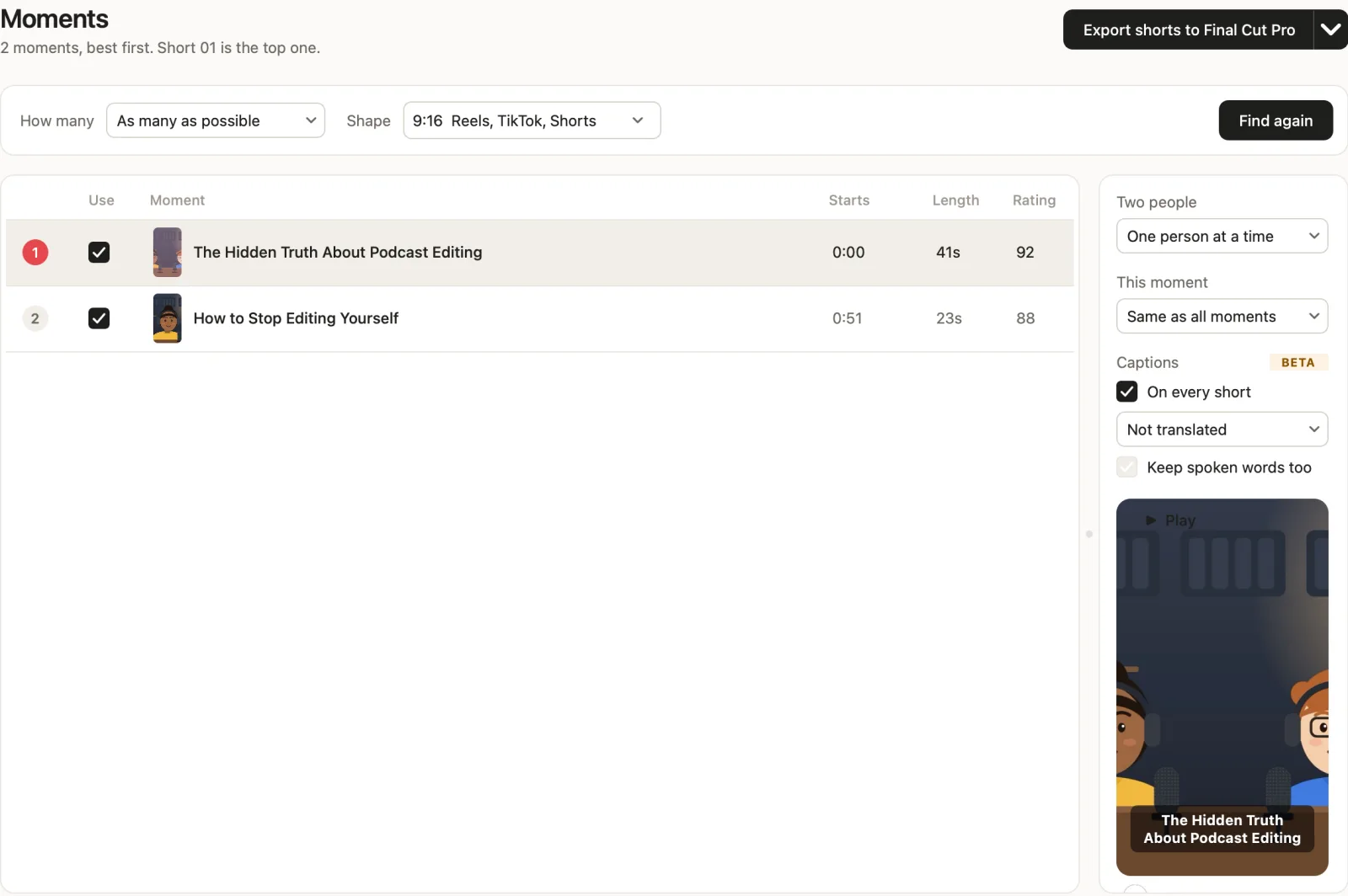
| Shorts, framed vertically | Social clips | |
| Transcript export | Not listed | |
| Price | $14/mo | $29/mo |
| Free trial | 2 exports | 30 days |
CastCut also has a $99 yearly plan. AutoPod details from autopod.fm and its pricing FAQ, November 2026; its trial is for monthly billing. Check their site for the latest.
How CastCut does the AutoPod part, step by step
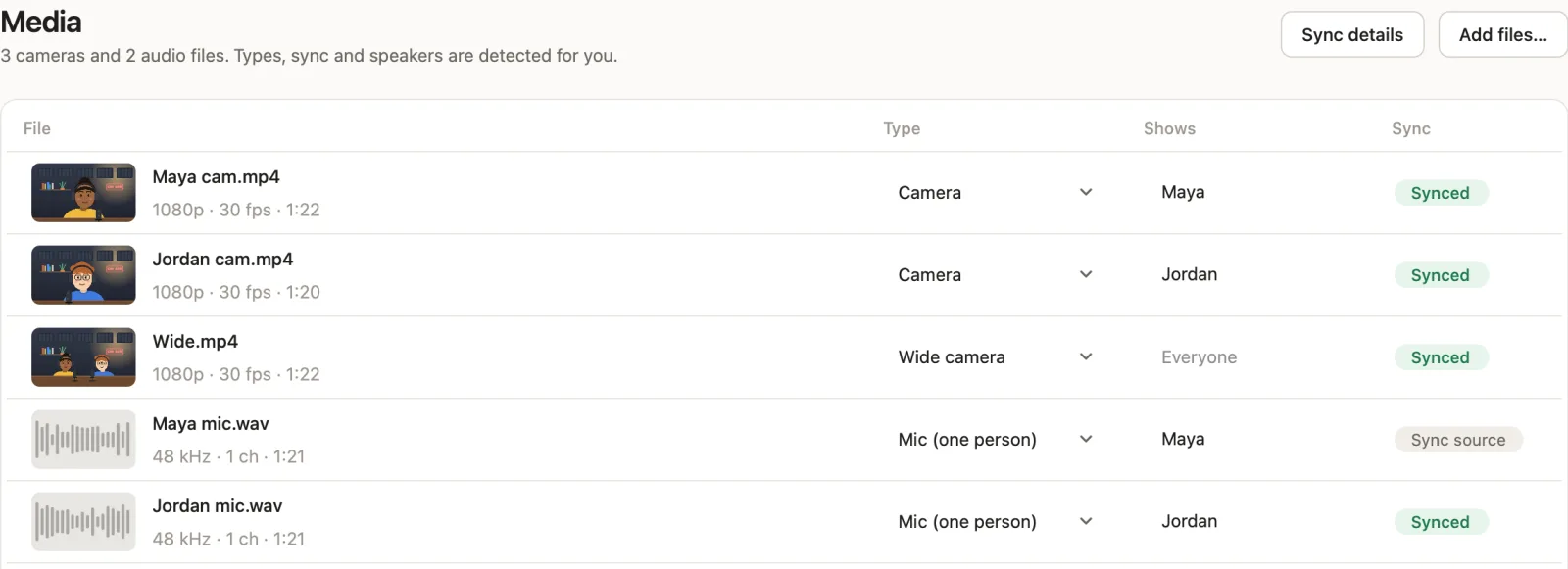
- Add your files. Drop the camera files and the recorder or mic audio into CastCut. It works out which file is which, who each mic belongs to, and syncs everything by sound. No timecode, no clap.
- Make the multicam edit. One press. CastCut cuts to whoever is talking, goes wide for crosstalk and quick back-and-forth, and lists every cut with the reason. About a minute for an 80-minute episode.
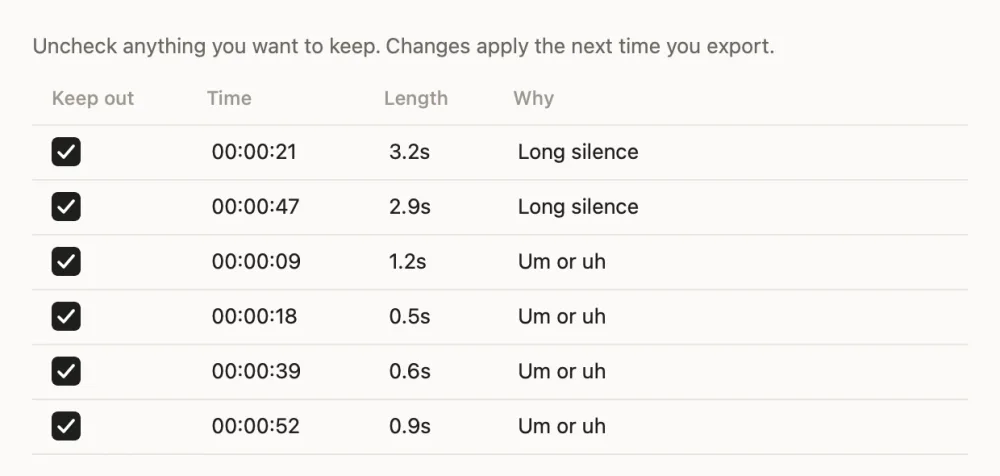
- Choose the cleanup. Tick long silences, ums and ahs, false starts or repeated takes. Every cut is listed, so you can keep anything that matters.
- Export to Final Cut Pro. Final Cut opens with the edit as a normal timeline. Every camera is still there, so you can change any shot.
What arrives in Final Cut Pro
- Every camera synced to your recorder, with drift corrected over long episodes.
- Cuts on whoever is talking, and wide shots for crosstalk and quick exchanges.
- Every angle stacked on its own lane with the unused ones switched off. Press V to change a shot.
- The silence and filler cuts you kept, plus vertical shorts as separate projects.
More detail on the Final Cut Pro page, or the full manual workflow in how to edit a multicam podcast in Final Cut Pro.
Which one should you pick?
Pick CastCut if you edit in Final Cut Pro, record with one shared mic, want shorts and a transcript in the same price, or want to try it on a real episode without signing up. It runs offline on Apple silicon Macs.
Pick AutoPod if you edit in Premiere Pro or DaVinci Resolve, want the cutting to happen inside your project as a plugin, and record with a mic per speaker.
Both leave you with an editable timeline. Neither replaces your taste: you still choose the moments that make the episode.
Questions
Is there an AutoPod for Final Cut Pro?
No. AutoPod works in Premiere Pro and DaVinci Resolve, and its FAQ says there are no plans for Final Cut Pro. CastCut makes the automatic multicam podcast edit for Final Cut Pro 10.6 or later.
Does AutoPod work in DaVinci Resolve?
Yes, AutoPod now offers a DaVinci Resolve version. CastCut also works with DaVinci Resolve 18 or later, free or Studio, with no plugin: you import the timeline it exports.
Is CastCut cheaper than AutoPod?
CastCut is $14 a month, or $99 a year ($8.25 a month), with shorts and transcripts included. AutoPod lists $29 a month.
Do I need a mic for every speaker?
No. CastCut tells voices apart even from one shared microphone. A mic per person helps, but it is not required.
Can I try CastCut before paying?
Yes. Your first 2 exports are free with everything unlocked. No account or card.
Does CastCut upload my footage?
No. Everything runs on your Mac. After a one-time model download it works offline.
Try it on your next episode
Your first 2 exports are free. No account or card. Apple silicon Macs, macOS 14 or later.