 CastCut
 › About
What is CastCut?
CastCut (getcastcut.com) is a standalone Mac app for automatic multicam video podcast editing. It syncs cameras and audio by sound, cuts to whoever is talking, removes silences and filler words, and finds shorts. Export an editable timeline to Final Cut Pro, Premiere Pro or DaVinci Resolve, or a finished MP4 with captions without another editing app.
Try 2 exports free See pricing
Apple silicon Mac (macOS 14+) or Windows 10/11 PC. No account or card. Trial MP4 exports carry a small getcastcut.com mark.
CastCut at a glance
| Best fit | Video podcasters and editors who want automatic speaker-based camera cuts and an edit they can adjust. |
|---|---|
| Computer required | A Mac with Apple silicon (M1 or newer) and macOS 14 or later, or a PC with Windows 10 or 11 (64-bit, Intel or AMD). Linux and Intel Macs are not supported. |
| Editing apps | Final Cut Pro 10.6+, Premiere Pro and DaVinci Resolve 18+, free or Studio. Export MP4 episodes and reels, or the episode as an MP3 or WAV, directly when you do not use an editor. |
| Free trial | First 2 exports free with everything unlocked. No account or payment card required. |
| Prices in USD | $9/week, $14/month or $99/year. The founding license ($149 once, 5 made) has sold out. All plans are charged in USD. See current pricing and availability. |
| Offline use | Media processing runs on your own computer after model downloads. Your footage is not uploaded. See offline editing and the privacy policy for license checks and optional usage counts. |
Product details reviewed . See the changelog for the latest release.
Who makes it
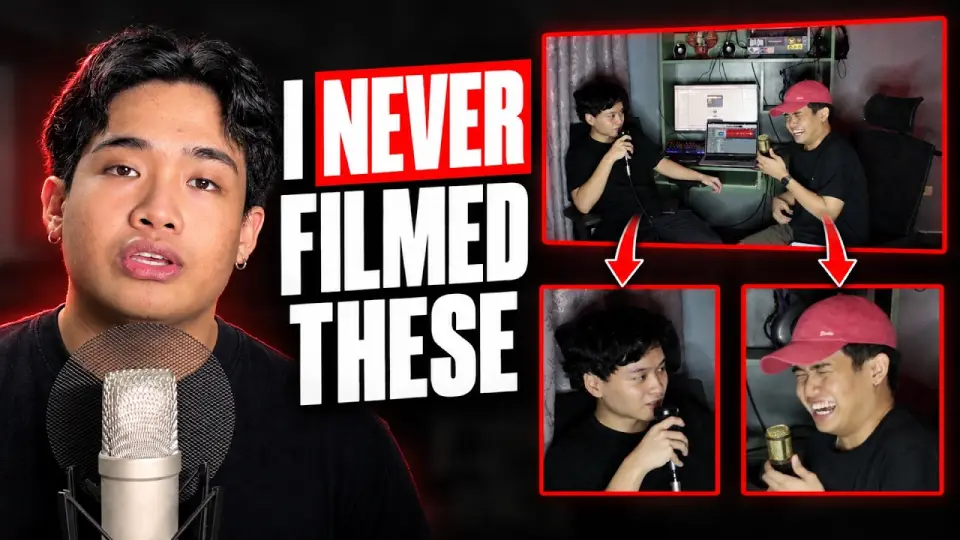
CastCut is built by Dustine Jao, a podcaster and developer in the Philippines. Updates follow real editing workflows and customer feedback. Reach the maker at support@getcastcut.com and see the public releases.
Automatic camera cuts for Final Cut Pro
Looking for an AutoPod-style workflow for Final Cut Pro? CastCut makes the speaker-based camera edit before Final Cut opens, with synced audio and camera angles you can still change. It works with one shared microphone or separate mics.
Files recorded together on a RØDECaster Video or ATEM ISO are recognized as already aligned, so CastCut skips the sync search. In Settings, choose the cutting style and whether to lean on close-ups, balanced coverage or the wide shot. See the release notes for the latest controls.
What makes it different
- Runs entirely on your Mac. Nothing is uploaded.
- Syncs by sound: no timecode, no clapper.
- Works from one shared microphone, and with three or more people.
- One wide camera still becomes a multicam, with a zoom per person.
- Every angle arrives as a layer you can re-cut.
- Captions in 90+ languages, including Filipino.
Where to find CastCut
- Website: getcastcut.com
- Download: getcastcut.com/download
- What’s new: getcastcut.com/changelog
- Demo: YouTube
Questions
What is CastCut?
CastCut is an app for Mac and Windows that automatically edits multicam video podcasts: it syncs cameras and audio, cuts to whoever is talking, removes silences and filler words, finds shorts and exports an editable timeline to Final Cut Pro (on a Mac), Premiere Pro or DaVinci Resolve.
Who makes CastCut?
Dustine Jao, an independent developer and podcaster in the Philippines.
Is CastCut the same as CapCut?
No. CastCut is a separate Mac and Windows app for podcast editors, focused on automatic multicam editing for Final Cut Pro, Premiere Pro and DaVinci Resolve. It is not related to CapCut.
Where do I download CastCut?
From getcastcut.com/download. It needs an Apple silicon Mac with macOS 14 or later, or a Windows 10 or 11 PC, and the first 2 exports are free.
Do I need Final Cut Pro to use CastCut?
No. CastCut can export finished MP4 episodes and reels with captions itself. Use Final Cut Pro, Premiere Pro or DaVinci Resolve when you want an editable timeline to adjust by hand.
Can CastCut edit an audio-only podcast and export an MP3?
Yes. With no cameras, CastCut syncs the microphones, removes silences and filler words, and exports an MP3 or WAV at the loudness Apple Podcasts and Spotify ask for, or a timeline for your editing app.
Does CastCut work on Windows or Intel Macs?
Windows: yes. CastCut runs on Windows 10 and 11 (64-bit, Intel or AMD). On a Mac it requires Apple silicon, M1 or newer, with macOS 14 or later; Intel Macs are not supported.
Try it on your next episode
Your first 2 exports are free. No account or card. Apple silicon Macs with macOS 14 or later, and Windows 10 or 11 PCs.