 CastCut
 › Premiere Pro podcast editing
Auto multicam podcast editing for Premiere Pro
Drop your camera files and audio into CastCut. Import one file into Premiere Pro and the episode is already synced, cut on whoever is talking, and cleaned up, with every angle stacked so you can change any shot with one keystroke.
Try 2 exports free See pricing
Apple silicon Mac (M1 or newer), macOS 14+. No account or card. Trial MP4 exports carry a small getcastcut.com mark.
What arrives in Premiere Pro
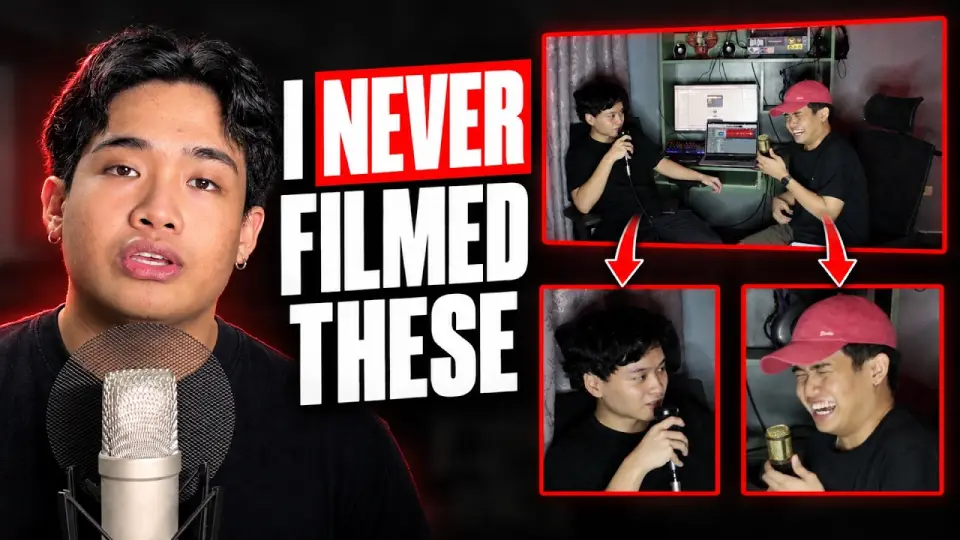
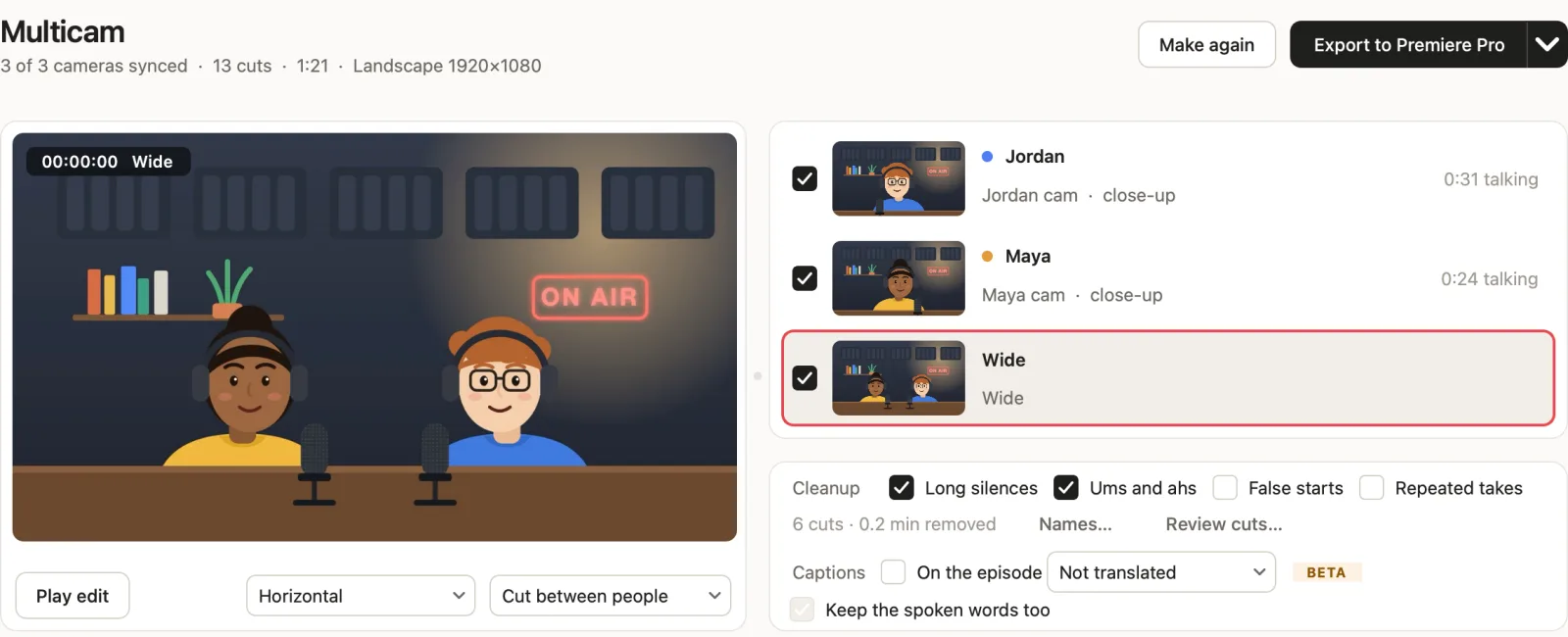
- A multicam-style sequence: every camera on its own video track, and each person's zoom out of a wide shot on its own track too. The angle in use is enabled; the rest are disabled. Select a clip and press Shift+E to switch.
- Your recorder's audio, cut in sync and sample accurate, with each camera's own sound underneath, muted.
- Silences, ums, false starts and retakes removed, if you turned those on. Every cut is visible and reversible.
- Vertical versions and shorts as their own sequences, framed on the person talking, ready for Reels, TikTok and YouTube Shorts.
- Captions as SRT, in 90+ languages including Filipino.
Why not a Premiere plugin?
Plugins like AutoPod run inside Premiere Pro and ask you to set up the multicam sequence first. CastCut does the whole mechanical job before Premiere opens: it syncs the files by sound (no timecode, no clapper), learns each voice from one shared mic or one mic per person, and matches every voice to the right face on camera. Premiere only receives the finished sequence, so there is nothing to install and no extension to keep updated.
How to bring it in
- In CastCut, drop in the footage and press Make multicam edit. About a minute for an hour of video on Apple silicon.
- Choose Export, then Premiere Pro from the arrow menu (or set Premiere Pro as your default in Settings).
- In Premiere Pro choose File, Import, and select the file ending in (Premiere Pro). The sequence opens with your original media linked, nothing re-encoded.
CastCut vs AutoPod for Premiere Pro
| Feature | CastCut | AutoPod |
|---|---|---|
| Price | From $8.25 a month | $29 a month |
| Runs as | A Mac app, before Premiere opens | A plugin inside Premiere |
| Works in Final Cut Pro | No | |
| Works in DaVinci Resolve |
AutoPod details from its own website, November 2026. Check theirs for the latest.
Questions
How do I auto-cut a podcast in Premiere Pro?
Drop the camera files and audio into CastCut, press Make multicam edit, then export for Premiere Pro and bring it in with File, Import. The sequence arrives synced, cut to whoever is talking, with silences and filler words removed and every angle on its own track.
Is there a free podcast editing plugin for Premiere Pro?
Premiere Pro can sync multicam clips by audio on its own at no extra cost, but switching to whoever is talking stays manual. CastCut does the switching, the sync and the cleanup before Premiere opens, with no plugin, and your first 2 exports are free.
Does CastCut work with Adobe Premiere Pro?
Yes. CastCut exports a Premiere Pro sequence with every camera angle on its own track, synced audio and all cuts applied. Import it with File, Import.
Is CastCut a Premiere Pro plugin?
No. It is a Mac app that does the sync and the camera cutting before Premiere opens, so there is no extension to install and Premiere stays fast.
Is CastCut an AutoPod alternative for Premiere Pro?
Yes. It makes the automatic multicam edit AutoPod is known for, syncs the files by sound and separates voices from one shared mic, for less per month. It also exports to Final Cut Pro and DaVinci Resolve.
Does it need timecode or a multicam sequence set up first?
No. CastCut lines up the files from the sound itself and builds the stacked sequence for you.
Does it run on Windows?
Not yet. CastCut needs an Apple silicon Mac (M1 or newer) with macOS 14 or later.
Try it on your next episode
Your first 2 exports are free. No account or card. Apple silicon Macs, macOS 14 or later.